Timeline:
6 Months
Role:
UI/UX Designer
Client:
St. Augustine Parish Church
THE BEGINNING
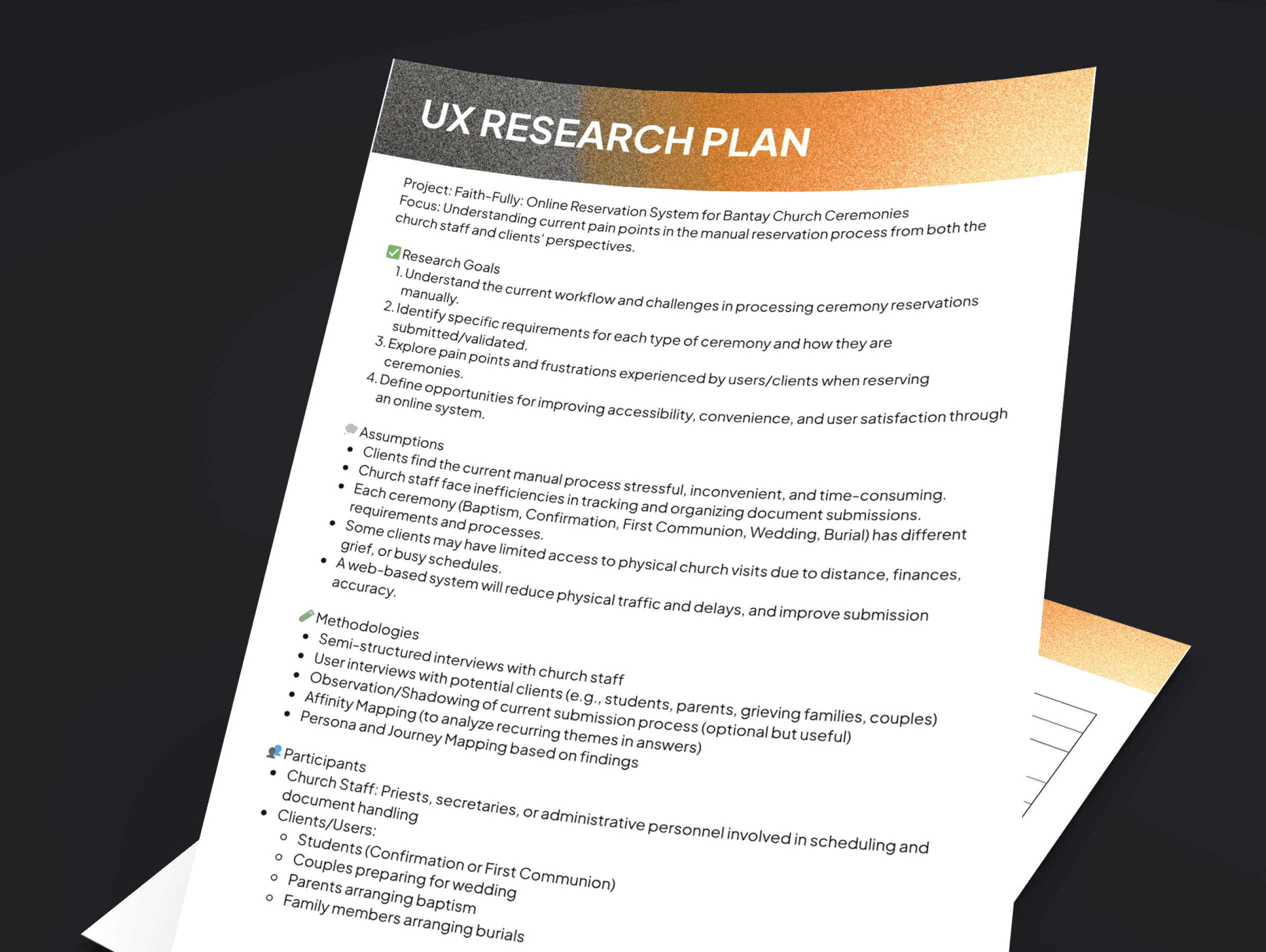

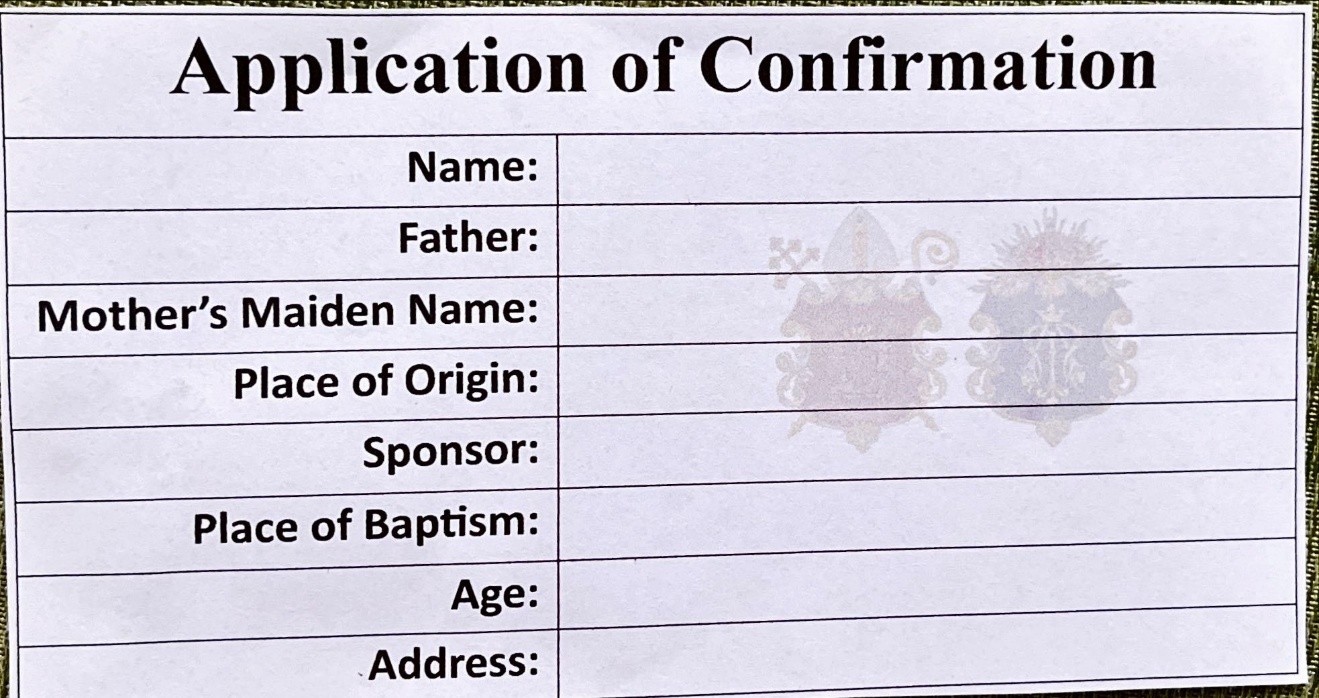
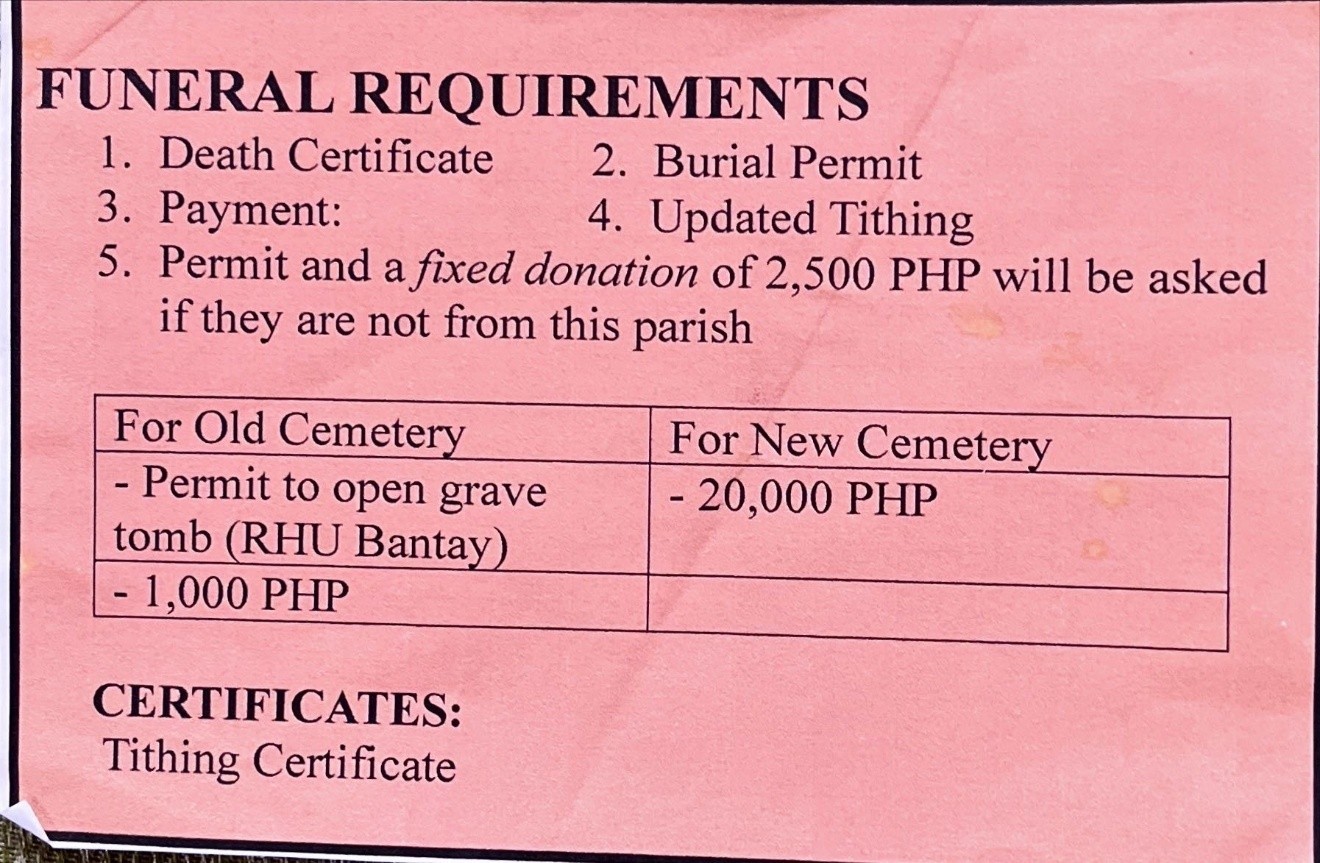
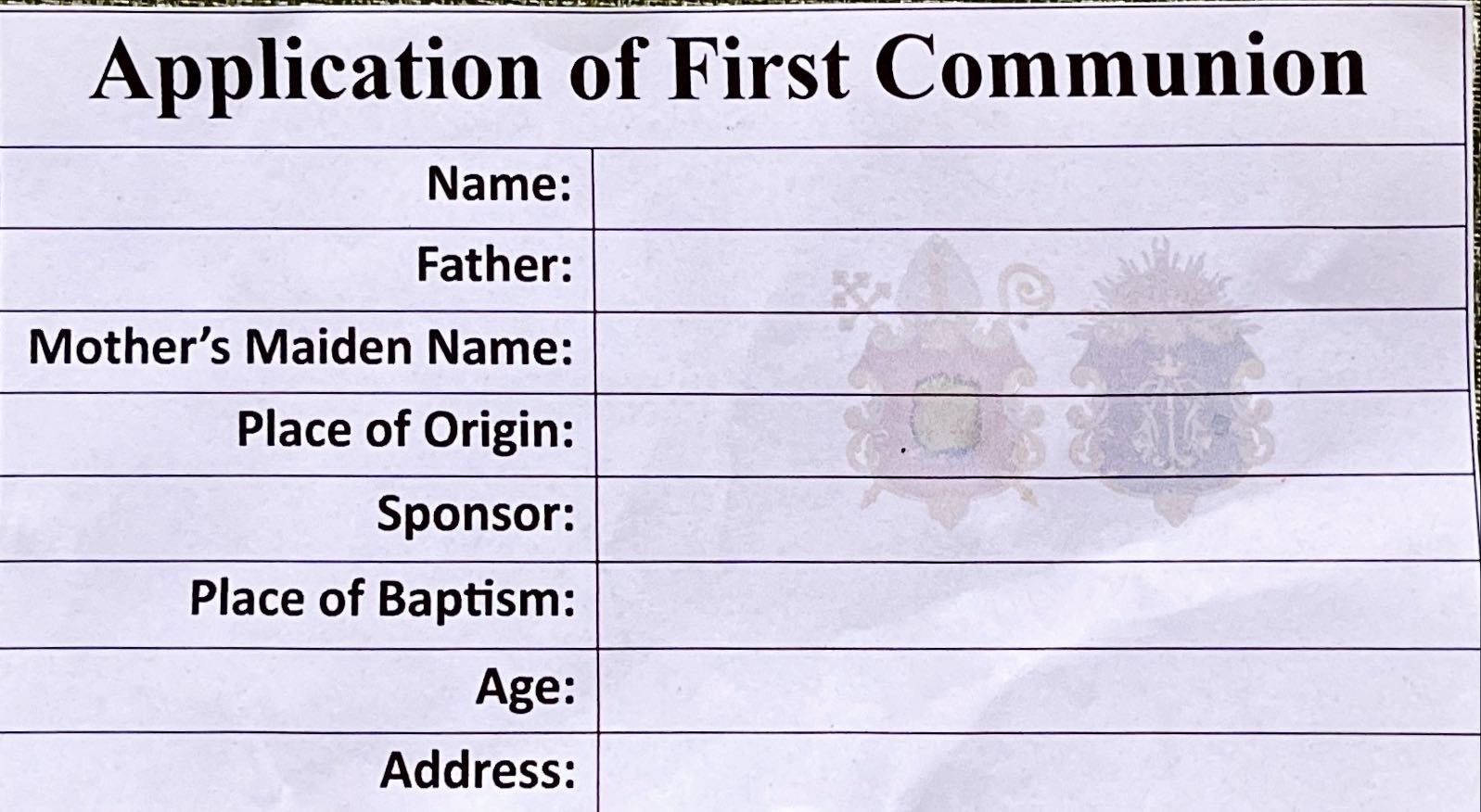
Ceremony Requirement Forms – Used by clients to check and submit necessary documents (e.g., for Baptism, Wedding, Burial, etc.)
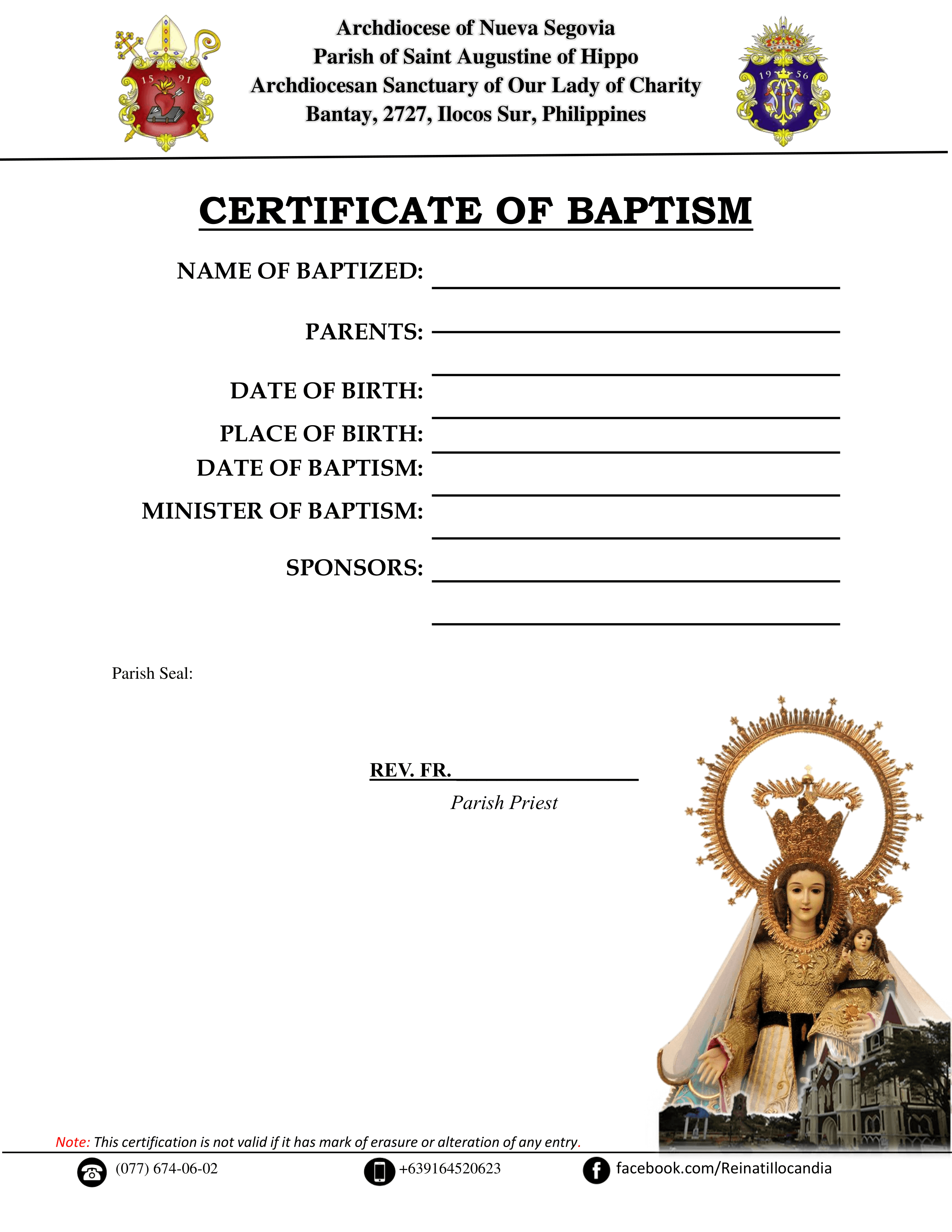
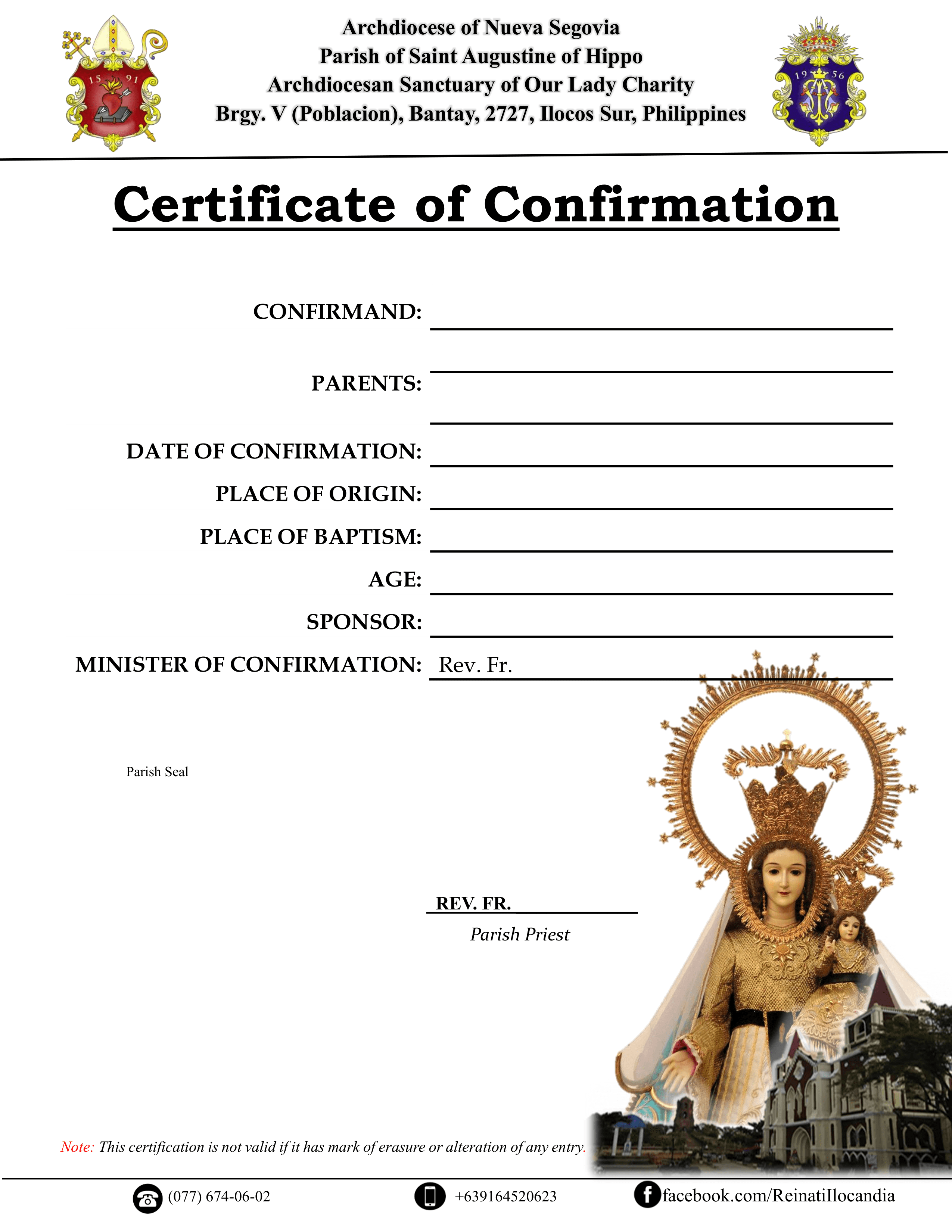
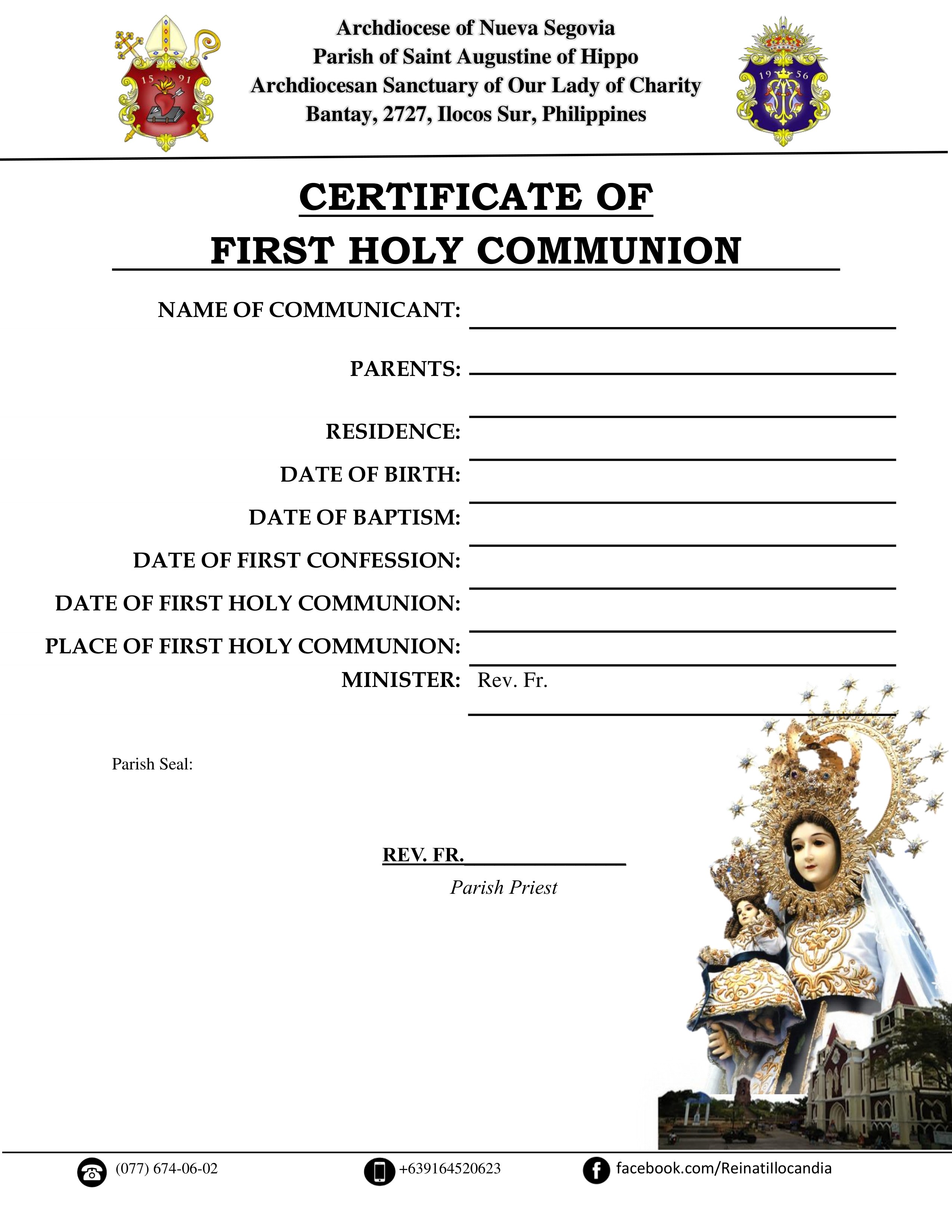
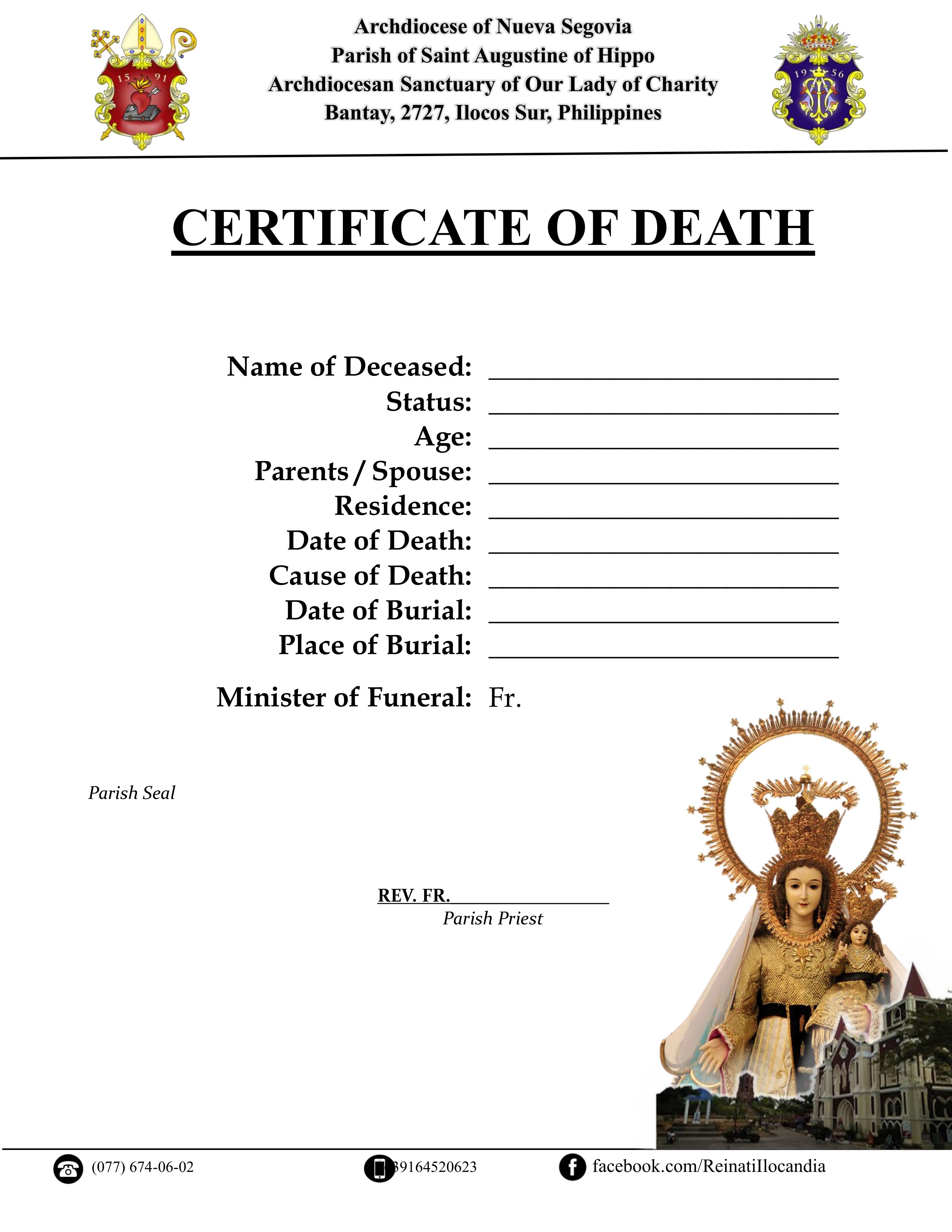
Sample Certificates – Given to clients after completing a ceremony, which serve as official proof for personal and religious records
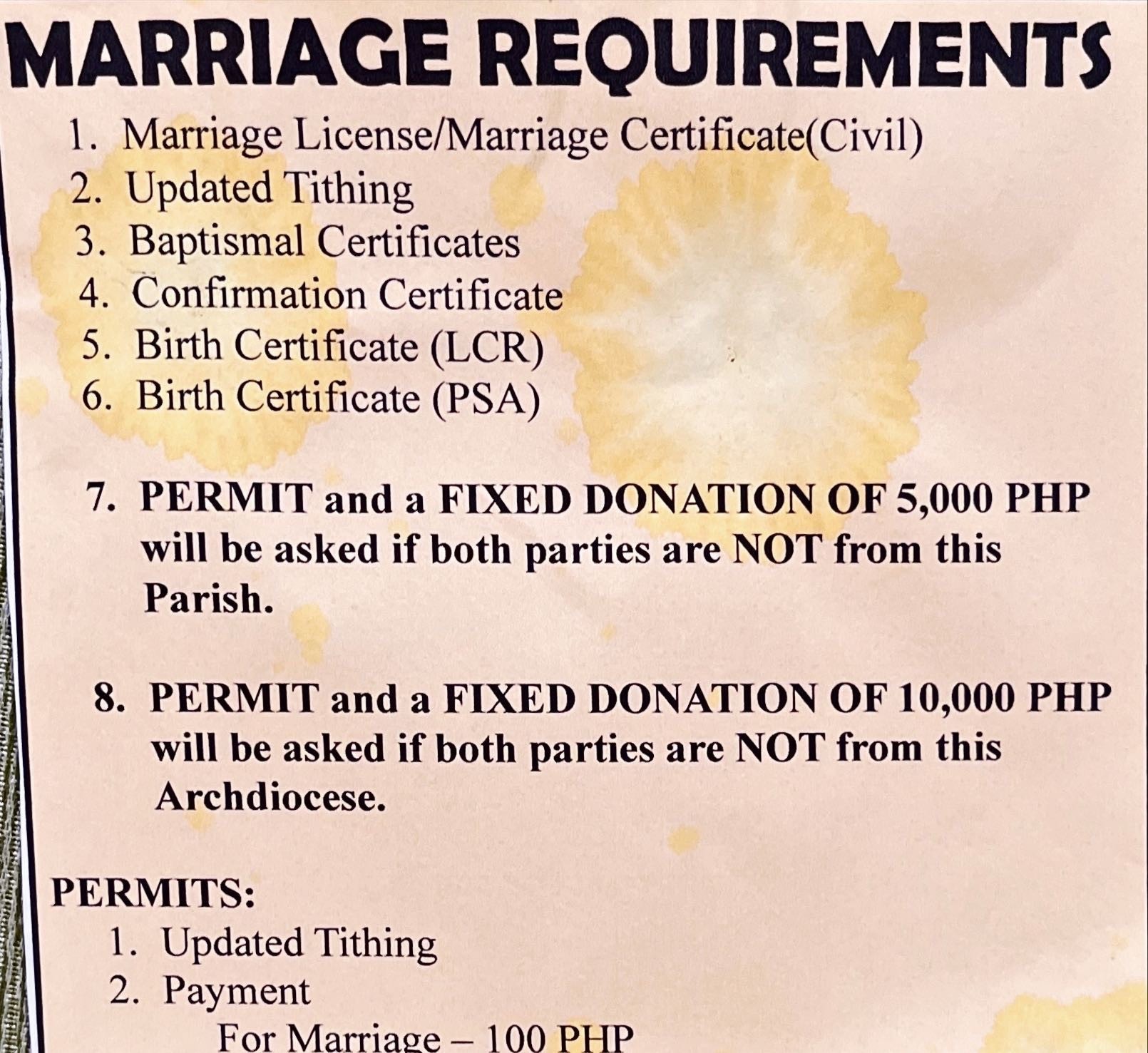
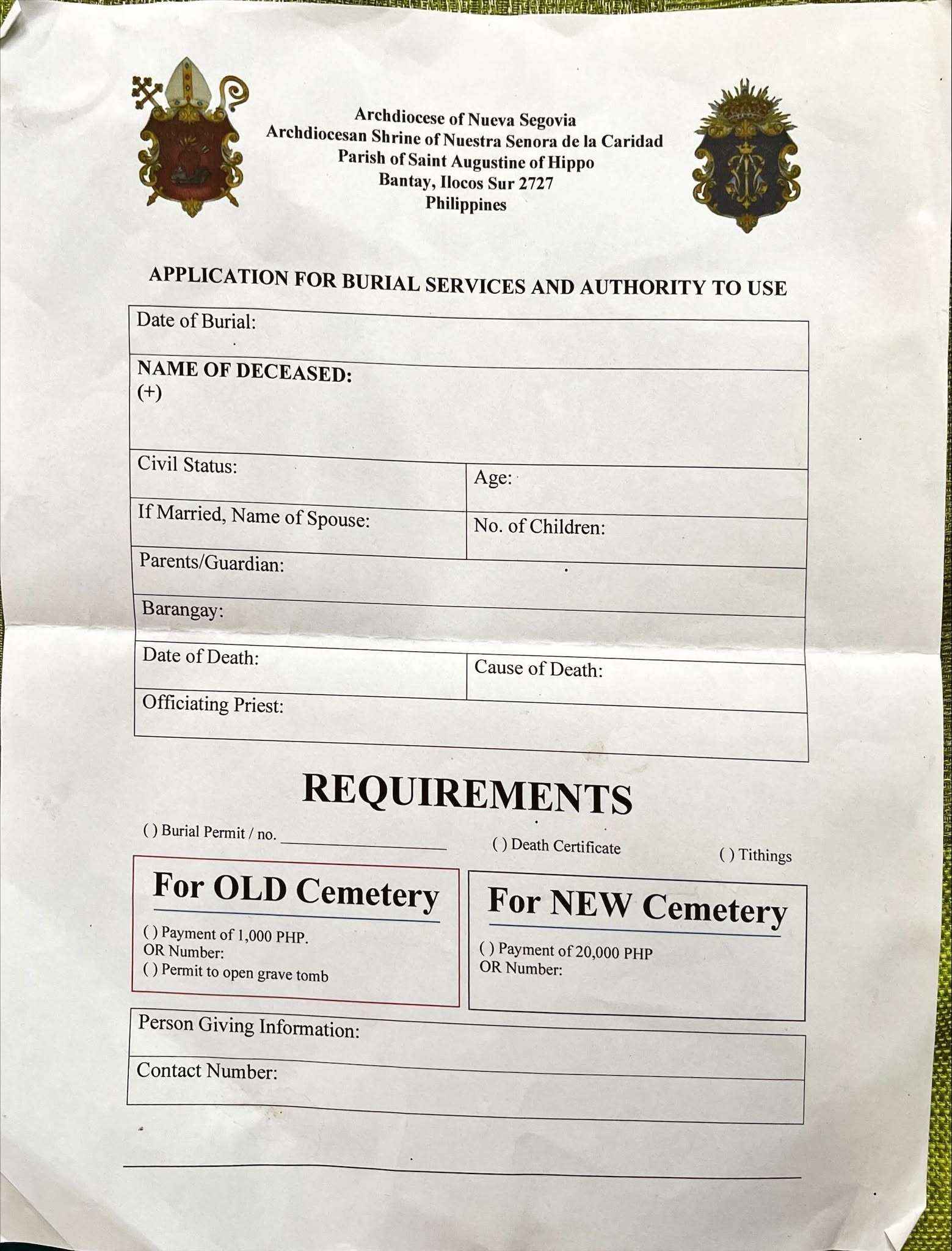
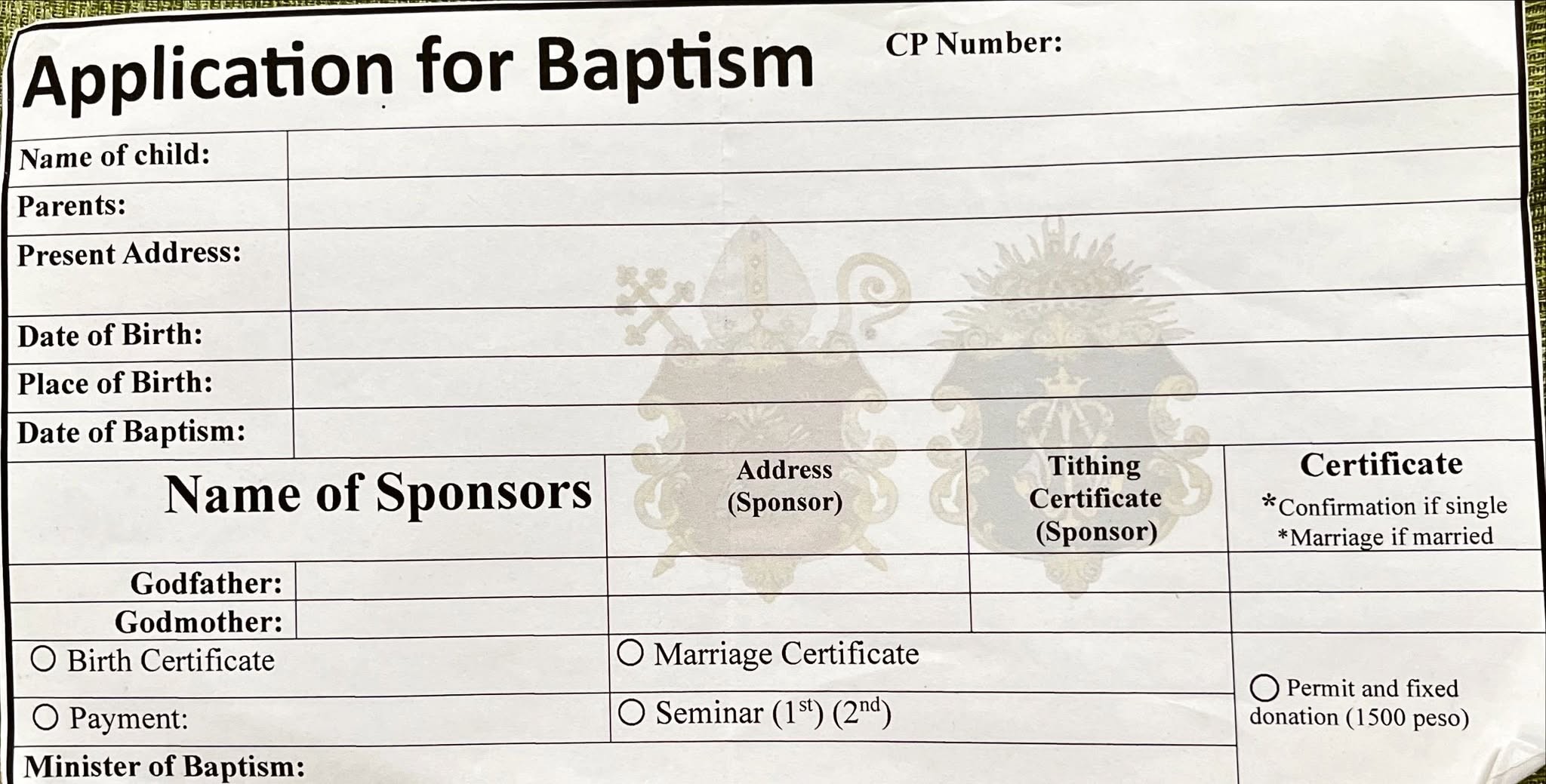
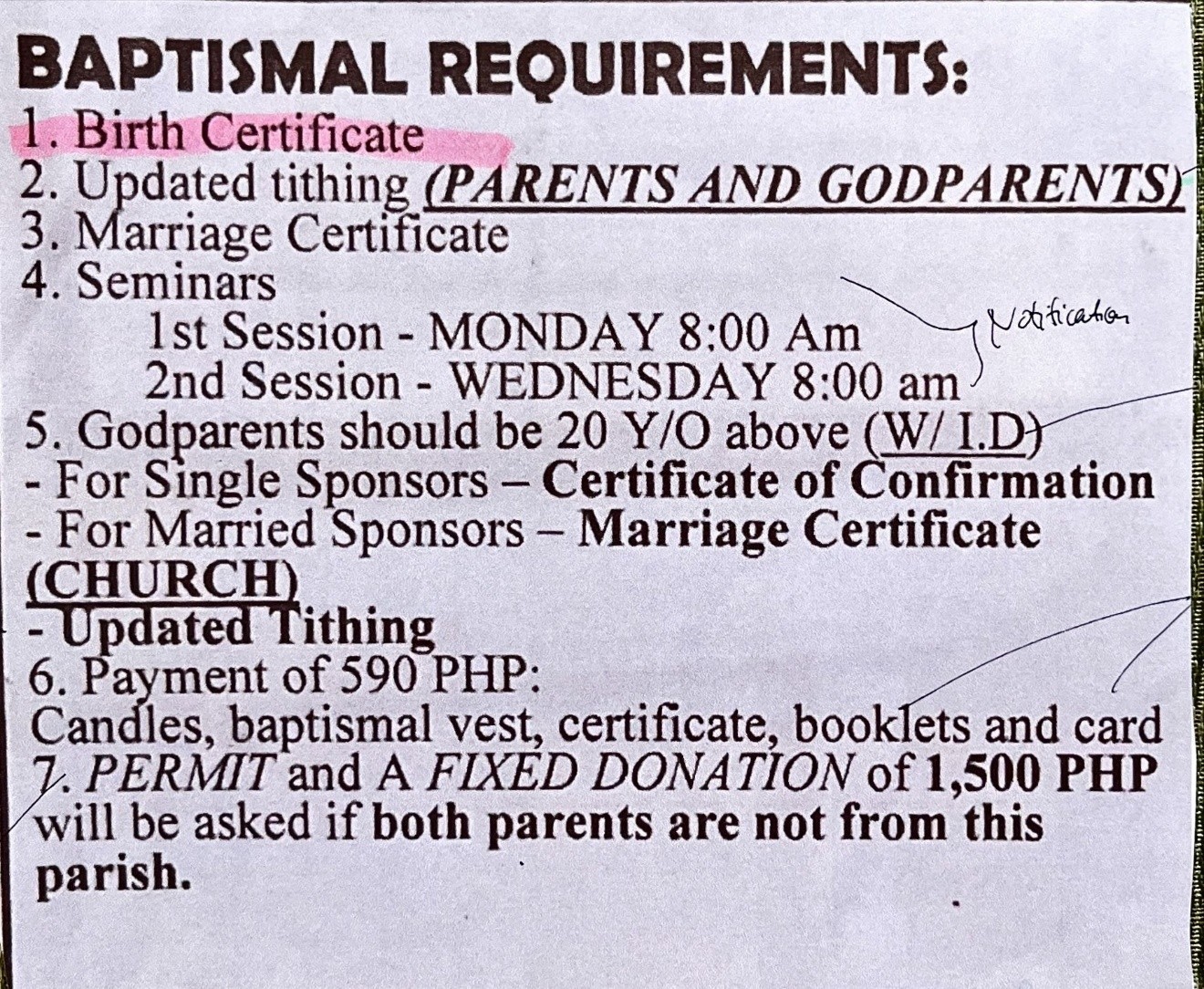

Emotional Burden
Grieving families struggle with physical visits during a time of loss, making the process emotionally taxing.
Lack of Transparency
Clients often don’t know the available dates until they visit the church office.
Incomplete Submissions
Many students fail to submit all required documents due to lack of clear guidance or support.
Positive Reception to Digital
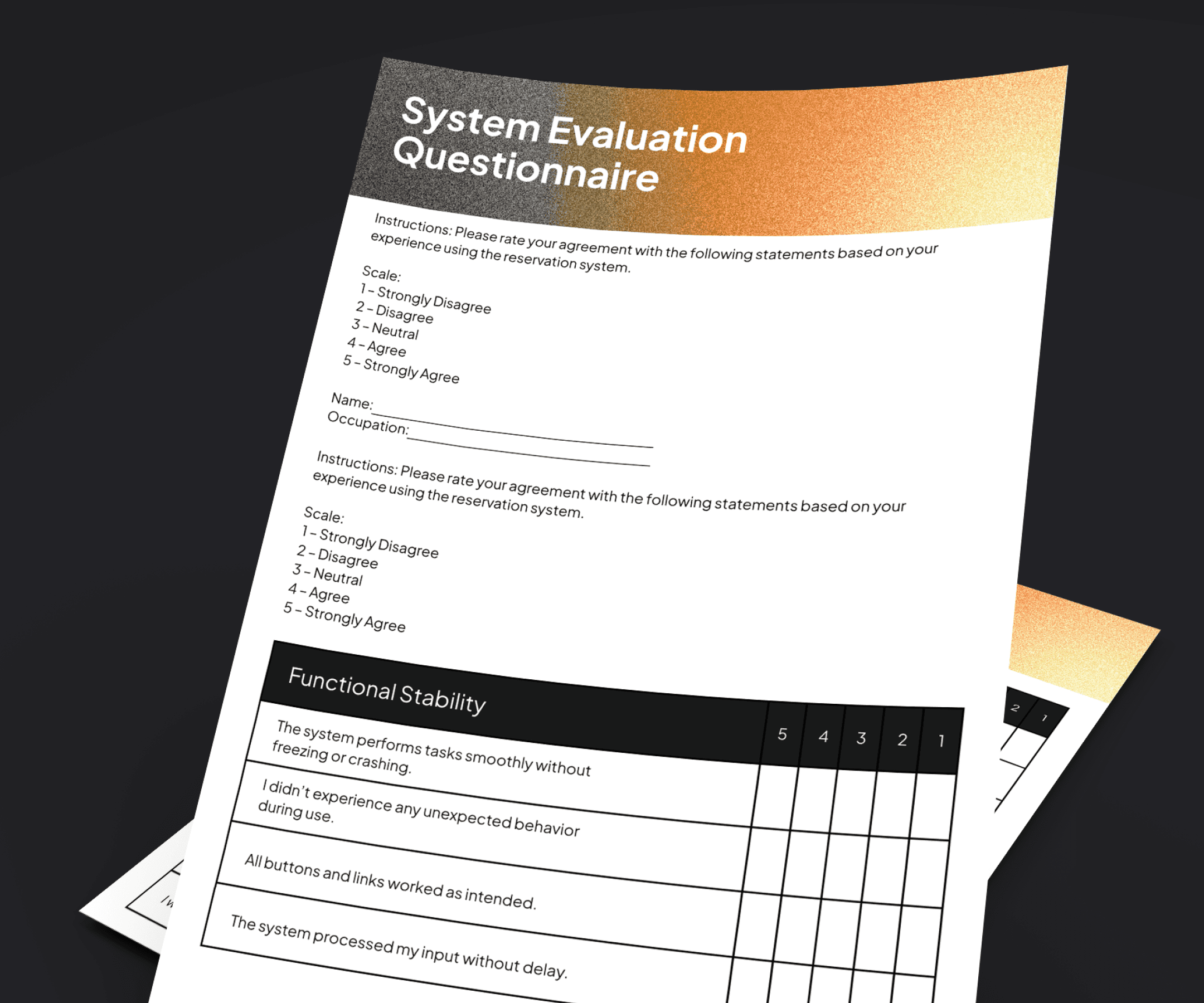
Most users found the prototype easy to use and appreciated the convenience of mobile submissions.
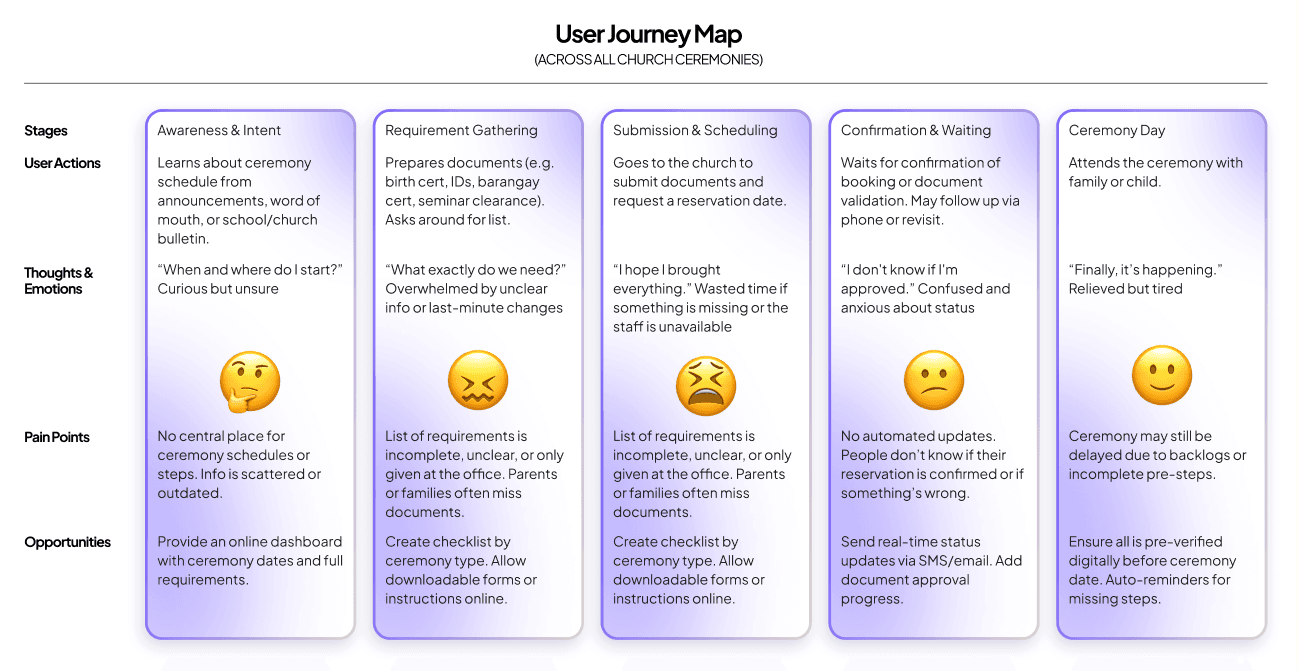
Clients often submit incomplete or incorrect requirements due to lack of clear guidance.
Scheduling is manual and unavailable outside office hours, causing delays.
Families in crisis (e.g., during a burial) are emotionally burdened by in-person paperwork.
Users have no visibility on available ceremony dates or status updates.
Church staff are overwhelmed, leading to miscommunication and lost records.
Create step-by-step digital guidance based on ceremony type.
Enable online submission and validation of requirements.
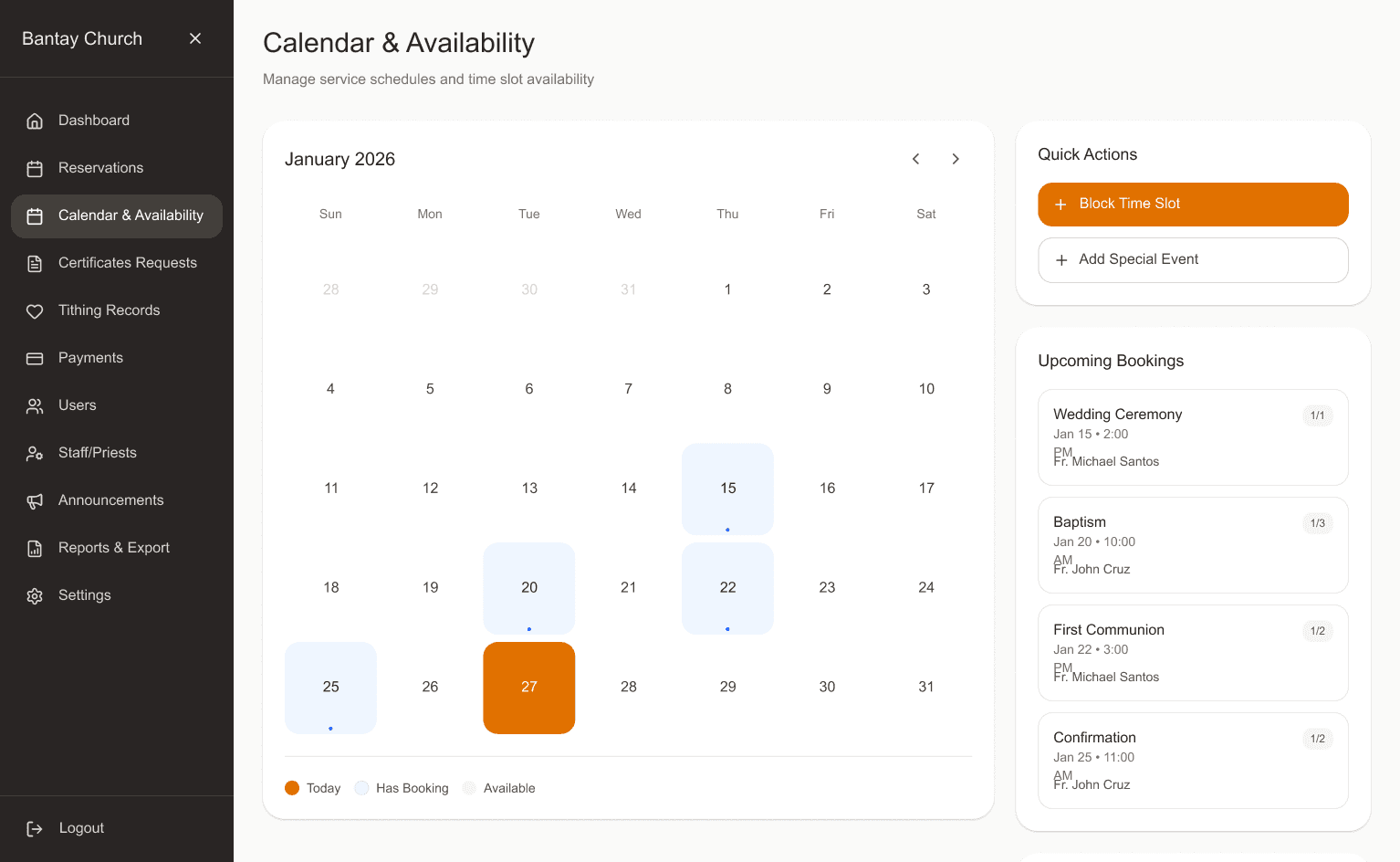
Display a real-time calendar of ceremony availability.
Provide automated status notifications (email/SMS).
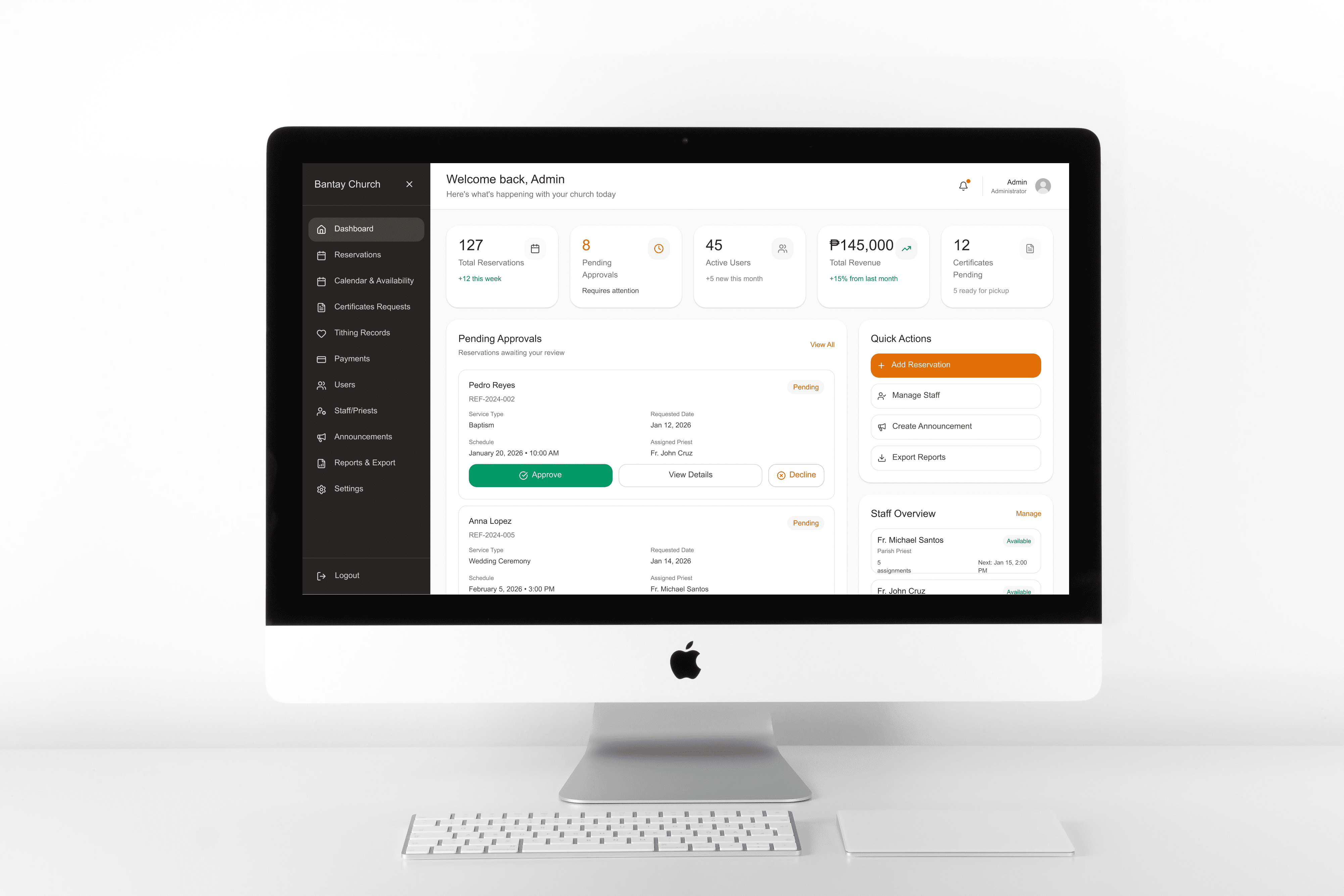
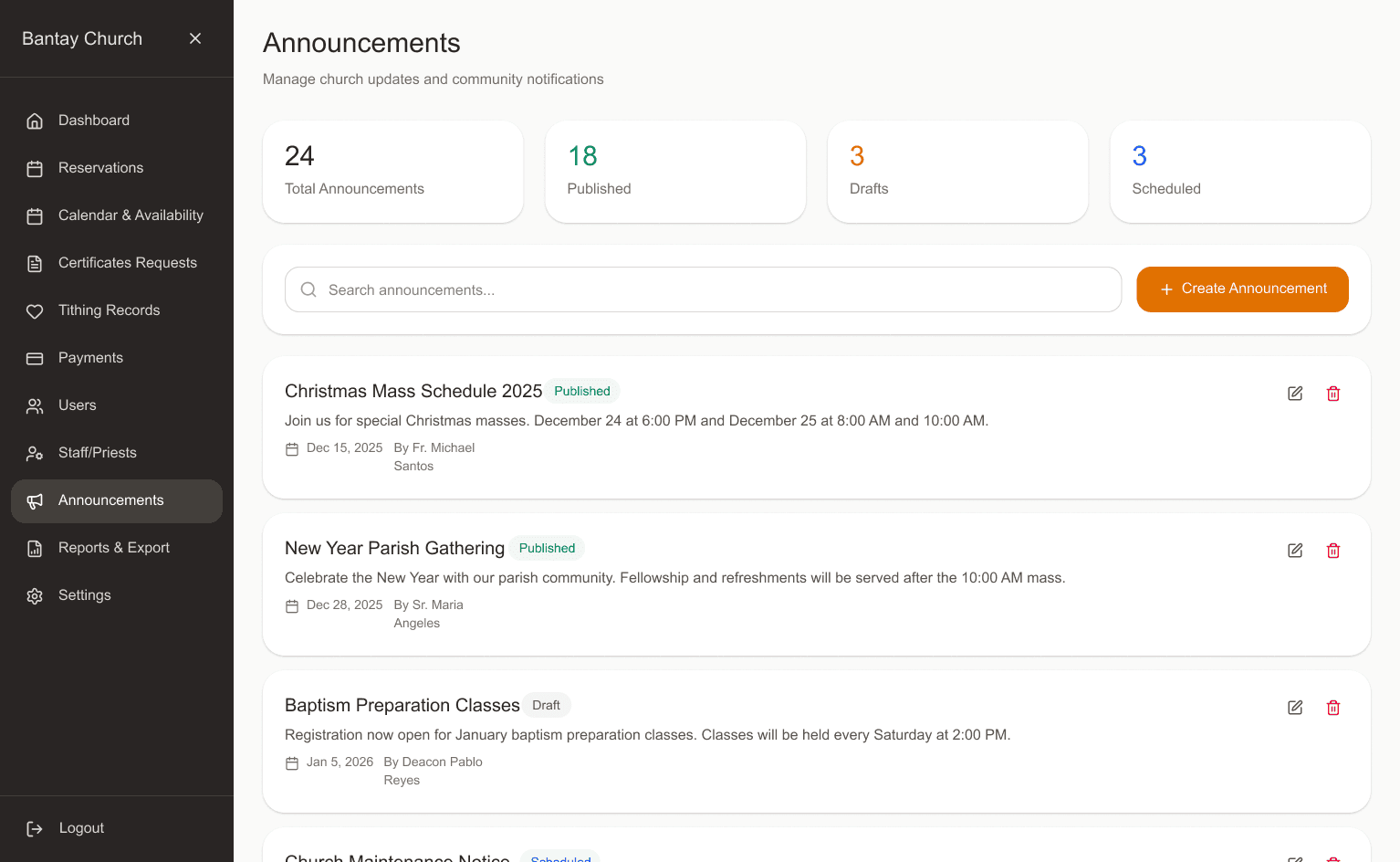
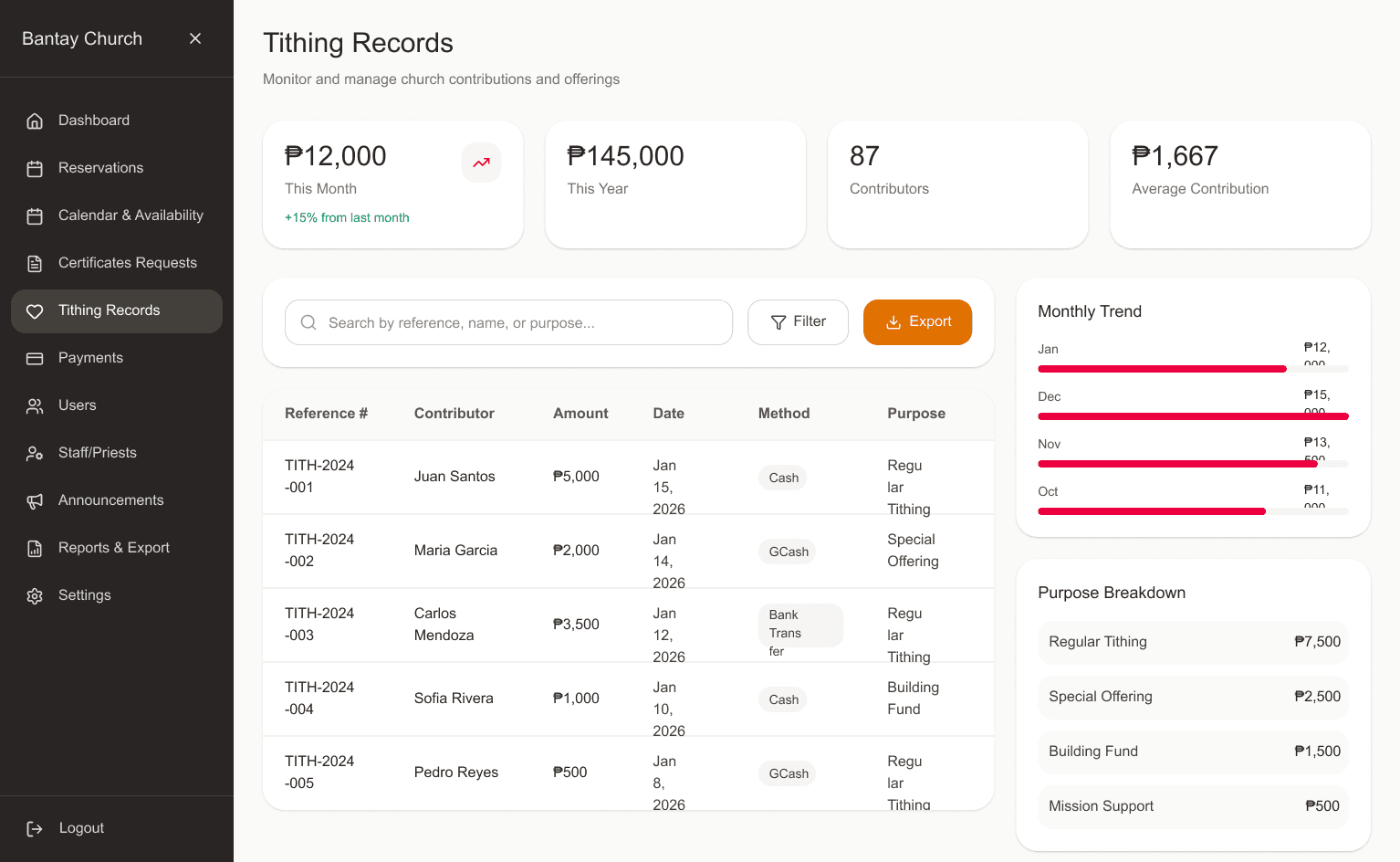
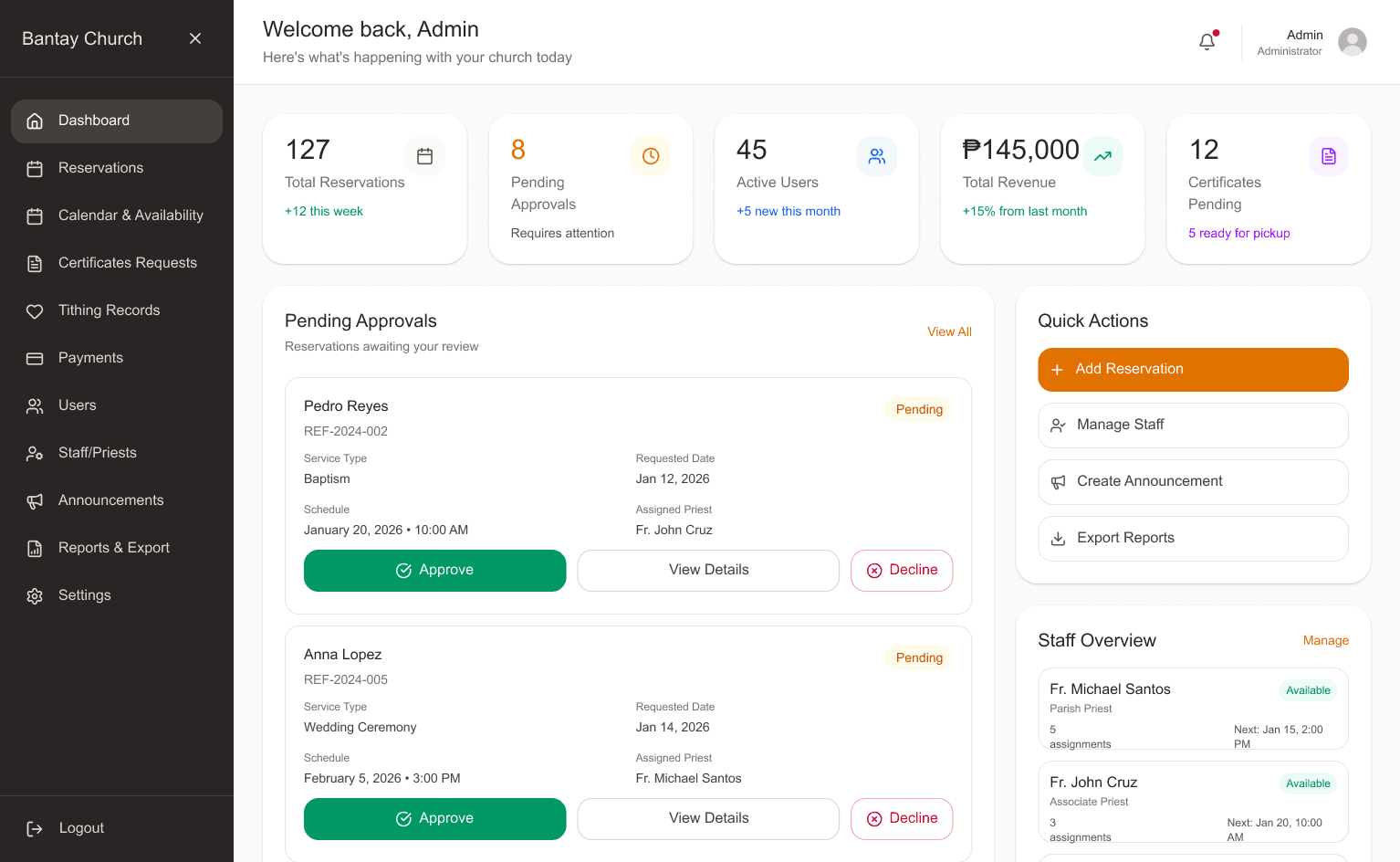
Build a centralized admin panel for staff to manage submissions and schedules more efficiently.
As part of my UX research role, I created the information architecture to organize the system content and flows based on the needs of the users and the church staff. This structure ensures users can easily find the specific ceremony they need, understand the requirements, and navigate the reservation process smoothly.
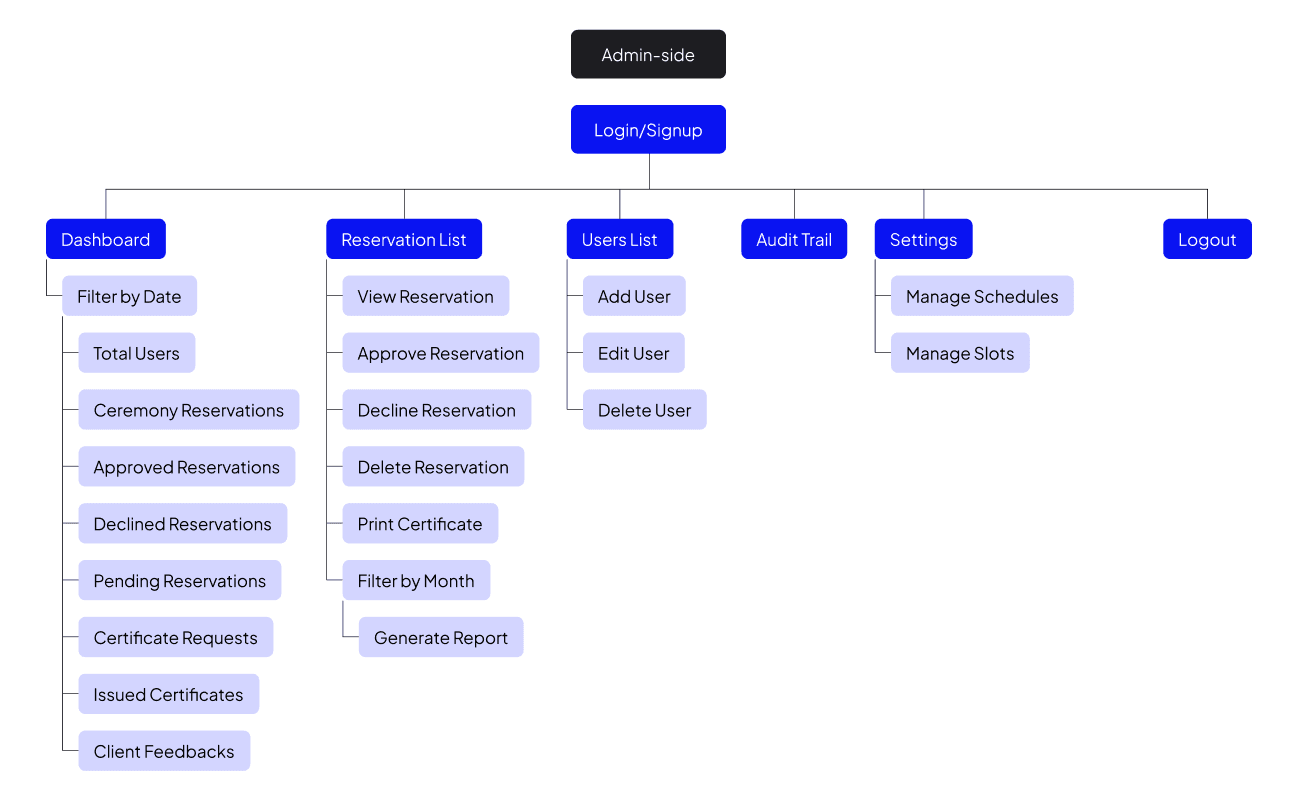
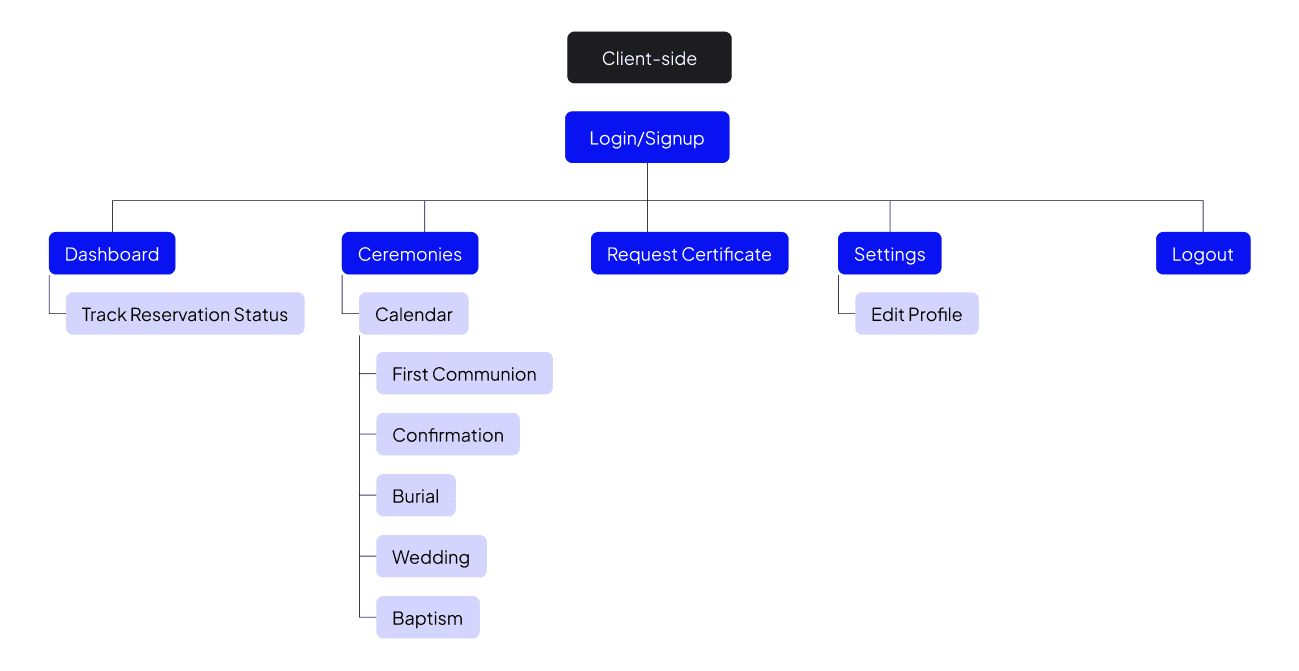
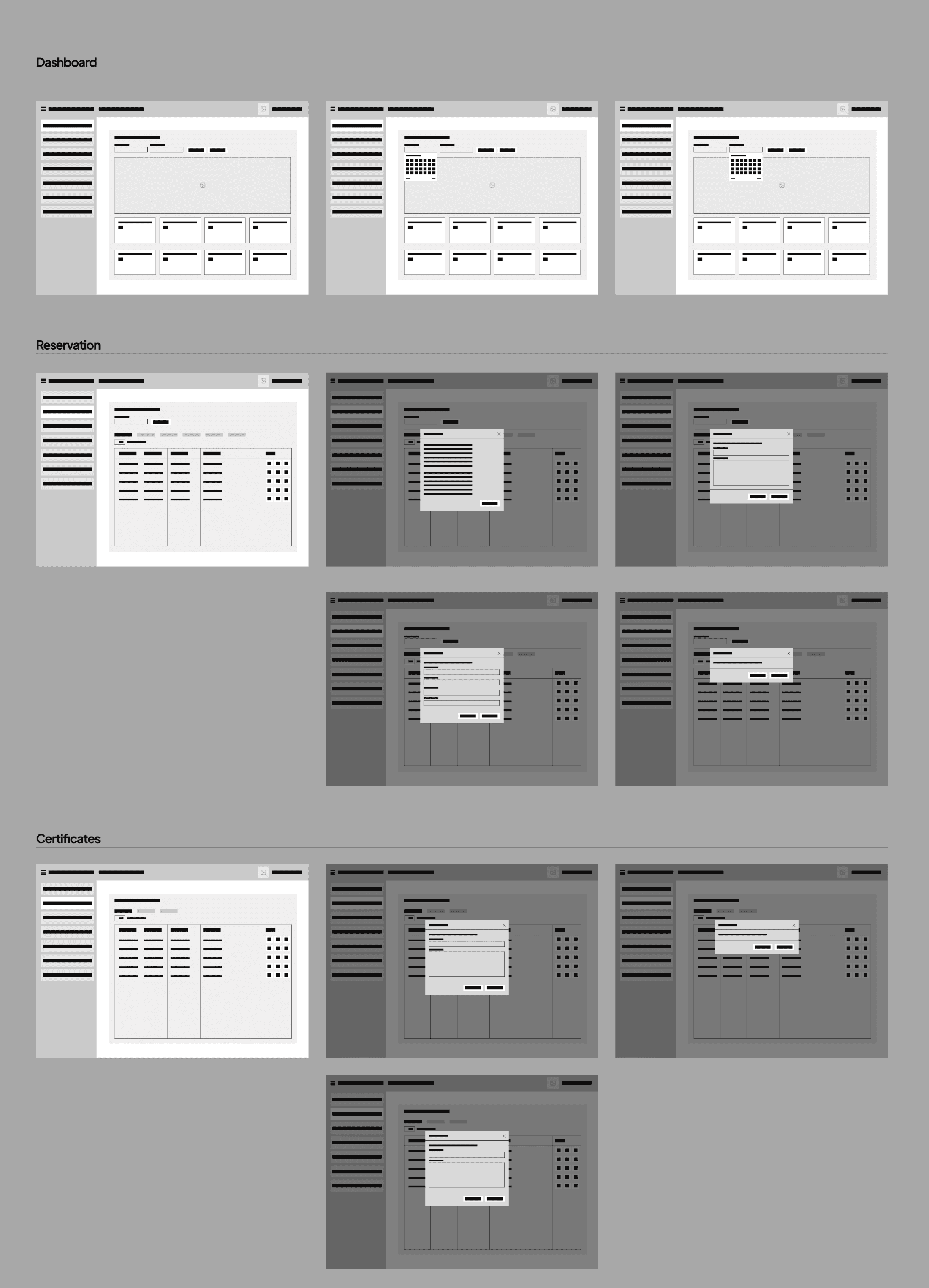
To explore how the system might look and function, I created basic interface sketches. These helped define the placement of key elements, clarify user actions, and align visual hierarchy with the goals of a stress-free, digital-first process.